CaptureGem’s Select Website menu lists 24 built-in sites, from Chaturbate and Stripchat to VR platforms such as Dreamcam and SexLikeReal. The good news is that recording works the same way on all of them. The details that differ (what to paste, what a status actually means, whether the app has to stay open) are what tend to trip people up.
So this guide does three things. It explains the shared workflow once. It gives you a quick-reference table for every site. Then it walks through each site in the same alphabetical order the app uses, with the quirks worth knowing before you rely on it.
The short version: copy the room address, paste it into Add Stream on the Record tab, leave Monitor Only off, and click Add Stream. Then read your site’s notes below.
The built-in sites are separate from CaptureGem’s Other Site option, which hands other streaming sites to Streamlink. Those aren’t covered here; the full supported-sites list has them.
The workflow every site shares
1. Install or update CaptureGem
CaptureGem is a desktop app for Windows, macOS and Linux. It’s free to download and use, and you don’t need an account. Download it, install it and launch it. If you already have it, update to the latest version before you troubleshoot anything else: many fixes only ship in new releases.
2. Copy the room address
Open the model’s room in your browser and copy the address bar. On most sites the username is simply the last part of the address. A few sites use something else, such as a room number, a stream ID or a numeric profile ID, and those are flagged in the table.
For many of the big sites, including Stripchat, MyFreeCams, Cam4 and (in most regions) Chaturbate, you don’t need an account on the cam site.
3. Add the stream
Switch to the Record tab and find the Add Stream panel. Drop the address into the Enter URL or Username box; when CaptureGem recognizes the link, it chooses the matching site on its own. Prefer typing? Choose the site from Select Website first, then enter only the username or ID. Make sure Monitor Only is switched off, since nothing is saved while it is on, and click Add Stream.
4. Read the Status column
A model in a public show normally flips to Recording in a few seconds. Anything else gets an explanation in the Status column, usually Private, Offline or Errored. What those words cover varies by site. Some sites never tell CaptureGem about private shows, so a private show appears as Offline. Hover over any status for more detail, including the reason behind an Errored.
5. Know what your plan does
On the free version, each recording is capped at 5 minutes and your list at 10 models. Recording begins when you add or start a model who is already live; if they were offline at that moment, you need to start it again once they are on.
Premium lifts both caps and unlocks auto-record. To switch it on for a model, select them on the Record tab, open Modify Auto Record in the Actions area and choose Record Always. From then on, CaptureGem begins a recording each time that model comes online and picks up again after a dropped connection. The Auto Record All Newly Added Models setting does the same for everyone you add later. TangoMe is the exception: auto-record there keeps checking only the stream ID you added (see TangoMe). To keep an eye on everything that is recording, use the live previews on the Monitor tab.
6. Find the file
After each recording, CaptureGem turns what it captured into a video file; give long sessions a little time. The Review tab is where you play, trim, tag or delete recordings, and Open Video Folder on the Record tab jumps straight to the files.
The default format is MP4. On Premium, a recording is split into files of up to 60 minutes by default, and auto-record rolls straight on to the next file. Where files go, how long each one runs (Cap Video Segments at Duration (Minutes)) and which container is used can all be changed in Settings. There are no frame-rate or bitrate settings to tune: CaptureGem saves the stream the site sends, and on some sites you can cap the resolution with Max Resolution Per Site.
Public shows, private shows and Proxy
Out of the box, CaptureGem records public shows. For Chaturbate, Stripchat, BongaCams, MyFreeCams, Streamate, Jerkmate, AmateurTV and Sexchat.hu, CaptureGem’s own guides mention one more route: Premium’s Proxy feature can save a private show, provided you can already watch it in your own browser. Setup is covered for Windows, macOS and Linux.
Sites that need the desktop app open
CamSoda, AmateurTV, LiveJasmin, ManyVids, Superlive and XCams rely on the desktop app while they record. The standalone Linux recorder can’t record them on its own, so keep CaptureGem open during those sessions.
Playing back VR recordings
Dreamcam, SexLikeReal and StripchatVR produce VR recordings. You can spot them by the _F120_LR at the end of the file name: each is an MP4 with a 120-degree fisheye picture, the left-eye and right-eye views placed side by side. On a regular monitor the file looks doubled and distorted until a VR player applies the right settings, which is expected.
Use any VR player that can open local video files. In HereSphere, which is on Steam, the advanced settings need four changes: Fisheye projection, side-by-side (SBS) layout, a 120-degree field of view and an auto aspect ratio, so the picture isn’t stretched. Our VR recording guide covers the wider workflow.
Quick reference: all 24 sites
Addresses are shortened here; each site section shows the full form. Whatever the site, use the latest version of CaptureGem.
| Site | Paste or type | Full guide |
|---|---|---|
| AmateurTV | amateur.tv/model_username | AmateurTV guide |
| Bigo TV | bigo.tv/bigo_id, or the BIGO ID | Bigo TV guide |
| BongaCams | bongacams.com/model_username | BongaCams guide |
| Cam4 | cam4.com/model_username | Cam4 guide |
| CameraPrive | cameraprive.com/br/model_username | CameraPrive guide |
| Cams.com | cams.com/model_username | Cams.com guide |
| CamSoda | camsoda.com/model_username | CamSoda guide |
| Chaturbate | chaturbate.com/model_username/ | Chaturbate guide |
| Dreamcam (VR) | dreamcam.com/models/model_username | Dreamcam guide |
| Flirt4Free | flirt4free.com/?model=model-name, or the exact name | Flirt4Free guide |
| Jerkmate | jerkmate.com/cam/model_username | Jerkmate guide |
| LiveJasmin | livejasmin.com/en/chat/model_username | LiveJasmin guide |
| ManyVids | manyvids.com/live/cam/creator_handle, or the handle | ManyVids guide |
| MyFreeCams | Type the username, or myfreecams.com/#model_username | MyFreeCams guide |
| Sexchat.hu | The /chat page link, screen name or room number | Sexchat.hu guide |
| SexLikeReal (VR) | sexlikereal.com/vr-cam-girls/model_label | SexLikeReal guide |
| Streamate | streamate.com/cam/model_username | Streamate guide |
| Stripchat | stripchat.com/model_username | Stripchat guide |
| StripchatVR (VR) | Select StripchatVR first, then vr.stripchat.com/cam/model_username or the username | StripchatVR guide |
| Superlive | superlive.chat/profile/123456, or the profile ID | Superlive guide |
| TangoMe | tango.me/stream/stream_id, or the stream ID | TangoMe guide |
| XCams | xcams.com/chat/model_username/ | XCams guide |
| XHamsterLive | An xhamsterlive.com or xham.live link, or the username | XHamsterLive guide |
| XLoveCam | xlovecam.com/en/chat/model_username/ | XLoveCam guide |
Site-by-site notes
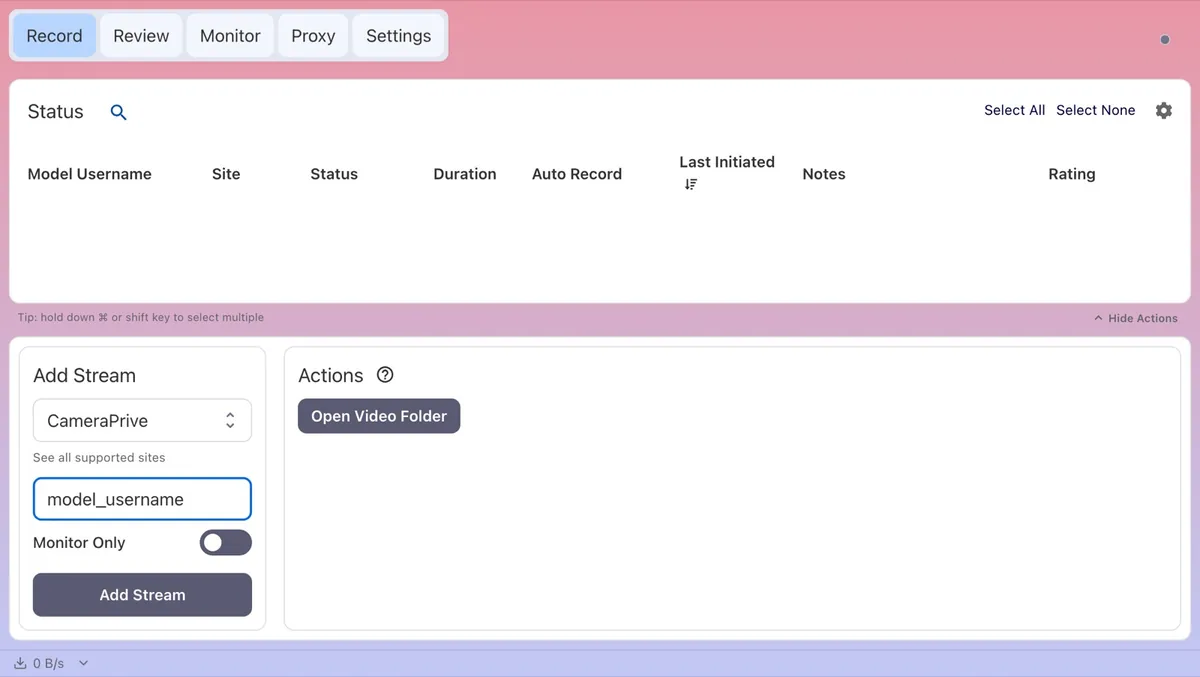
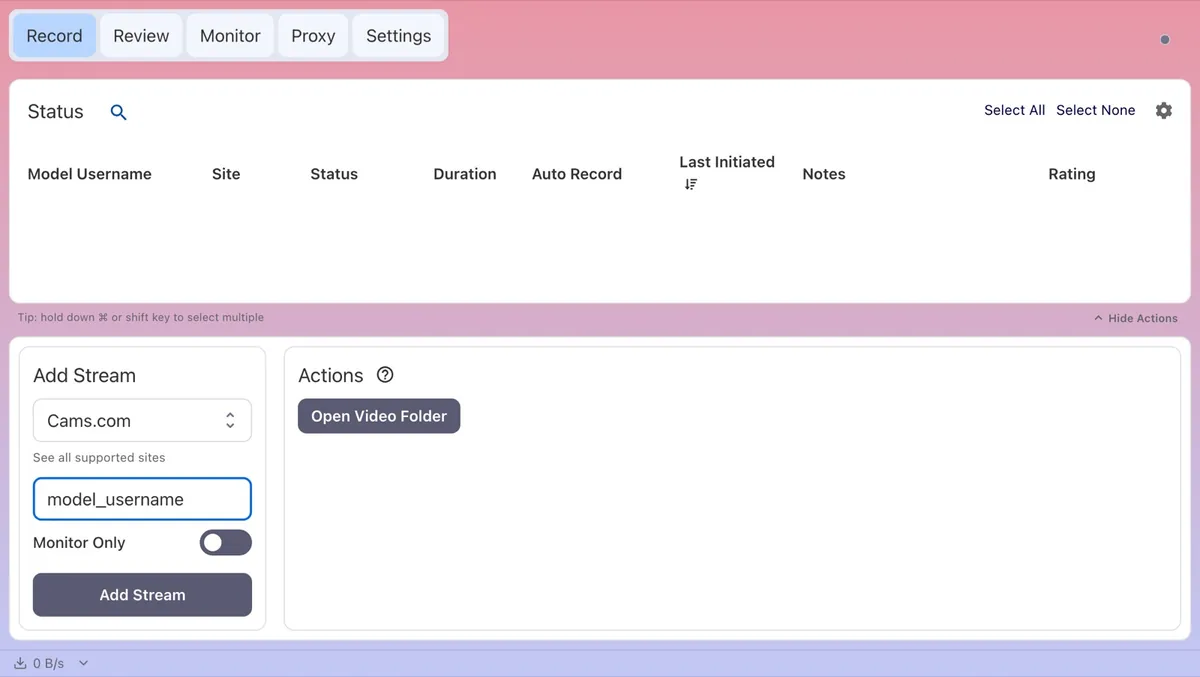
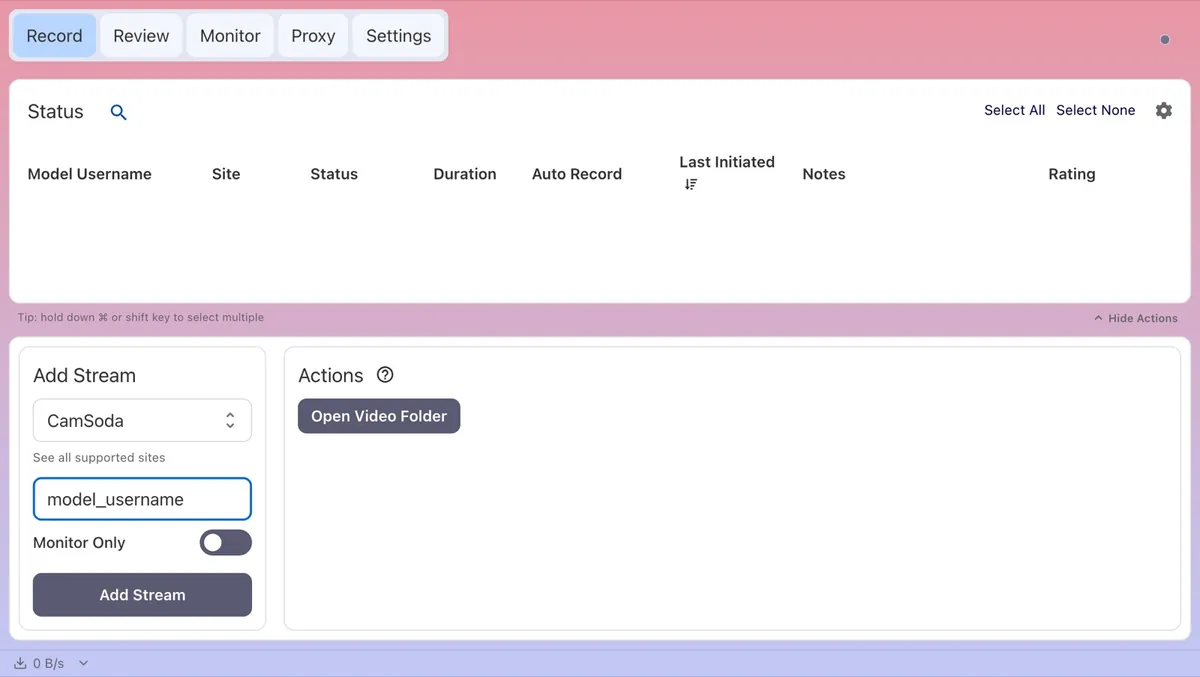
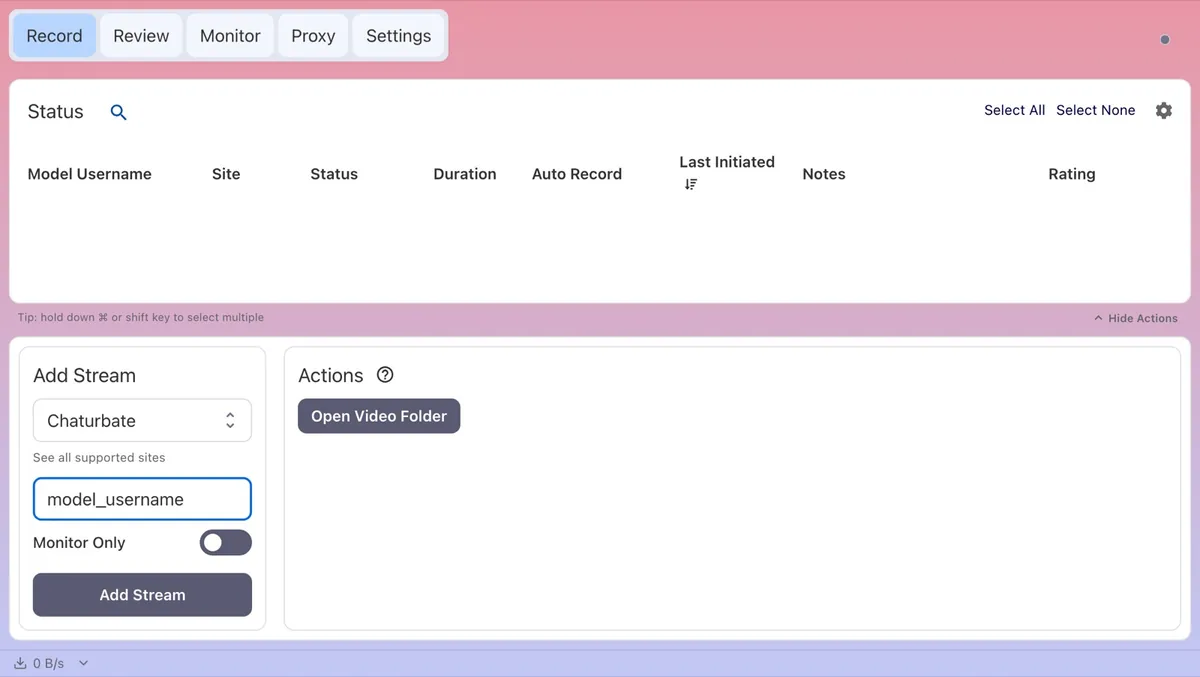
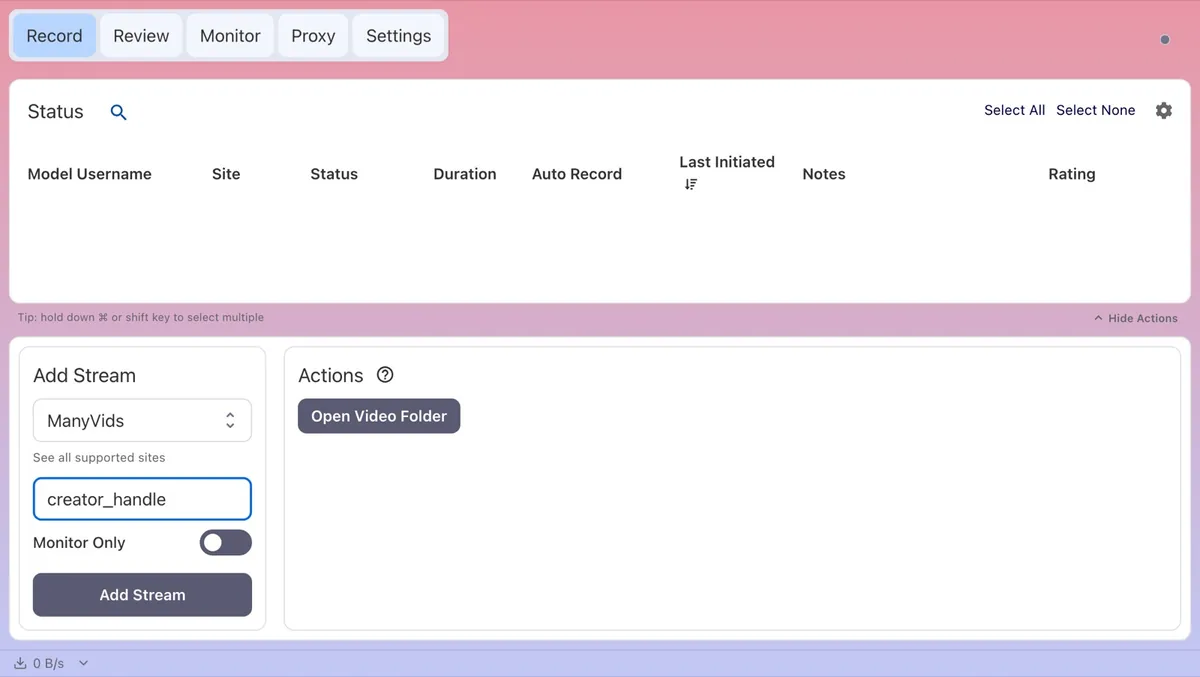
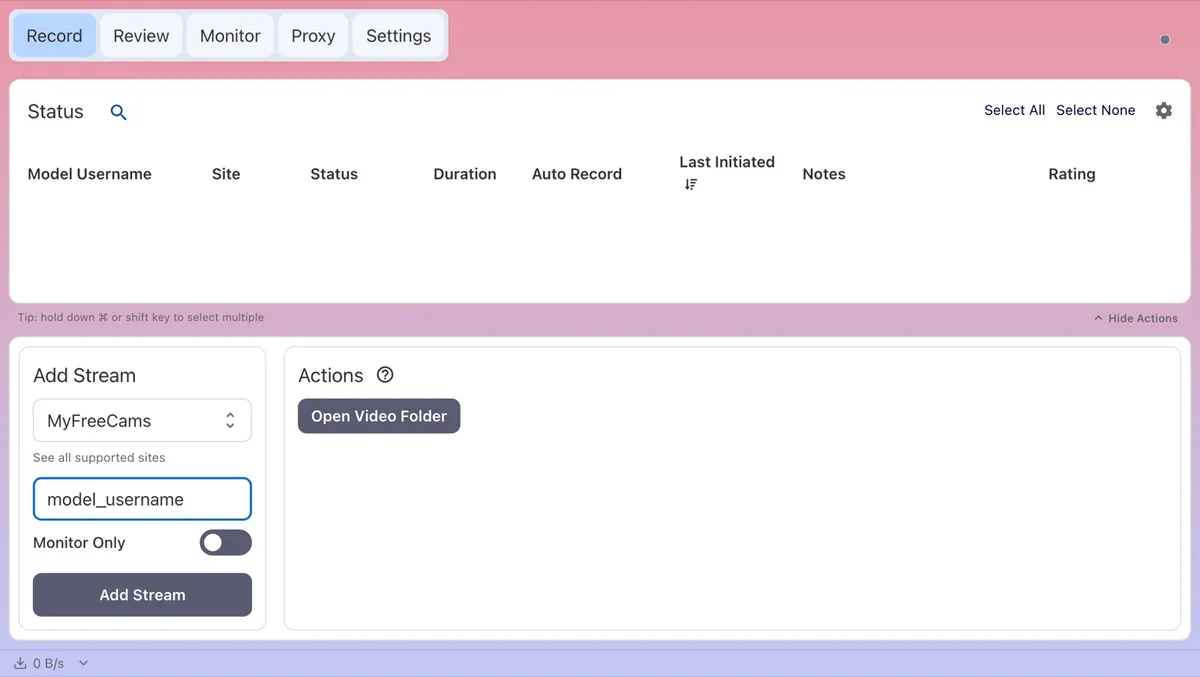
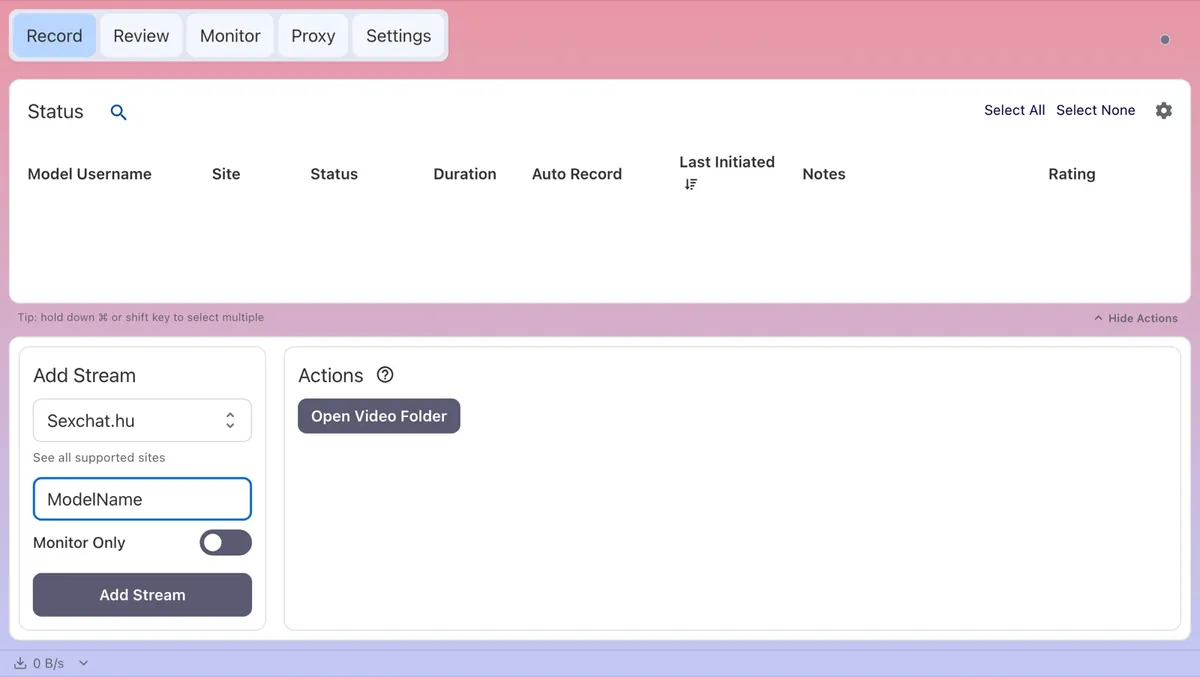
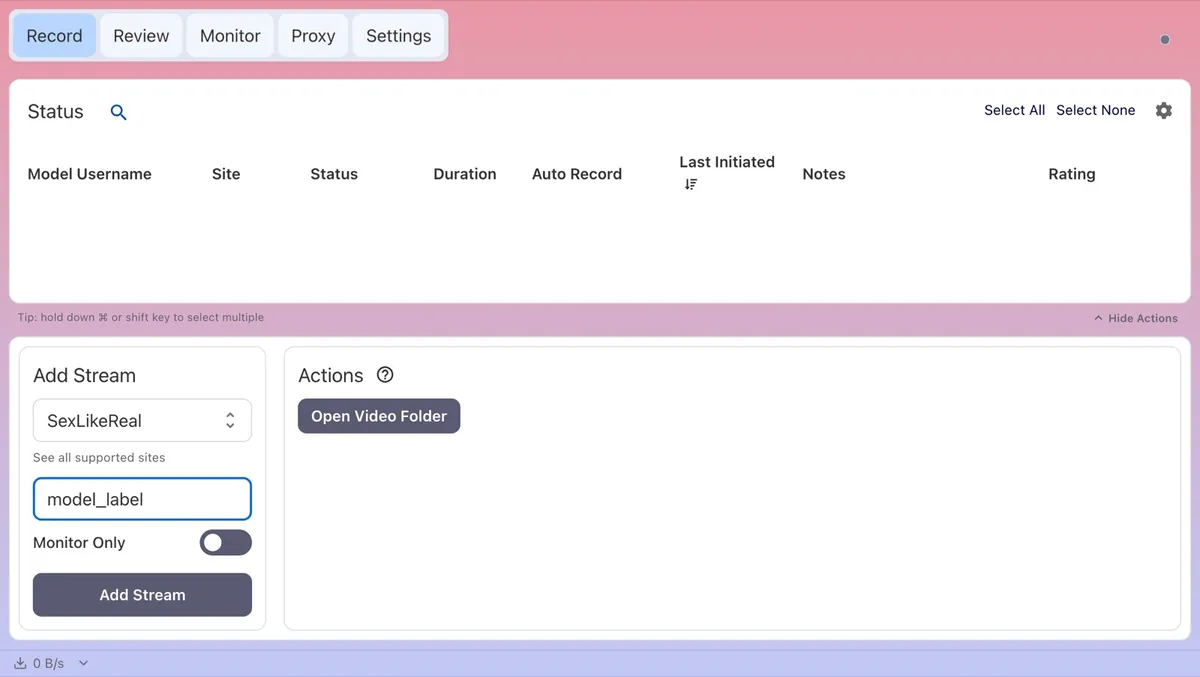
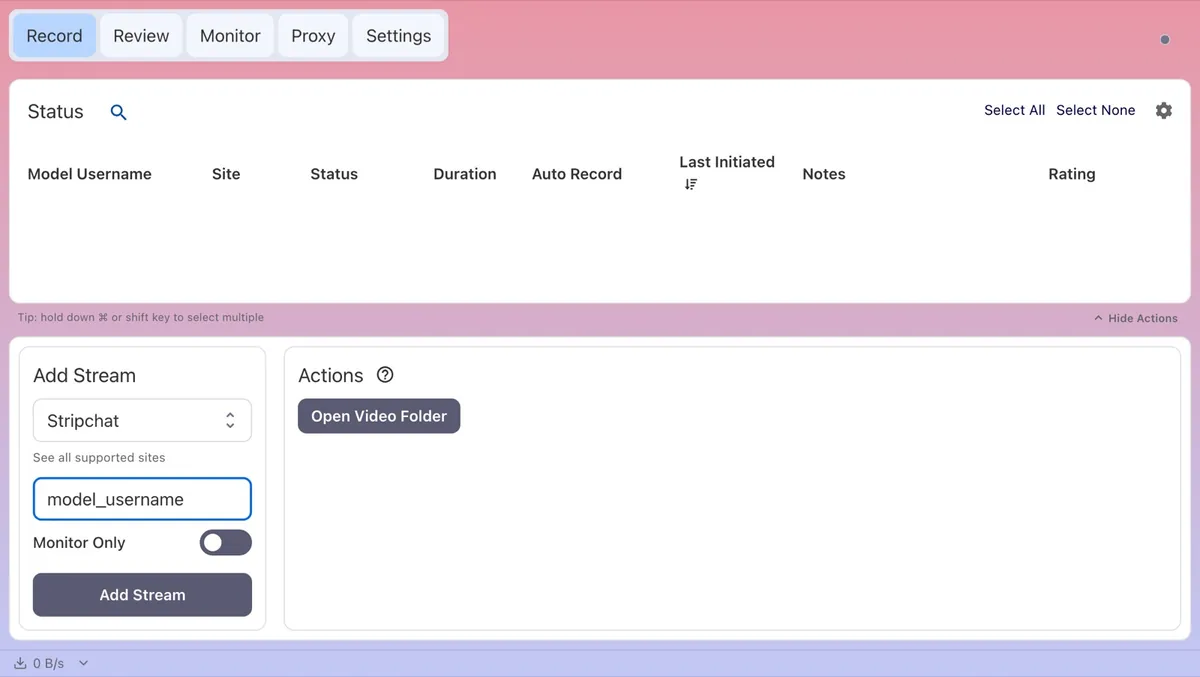
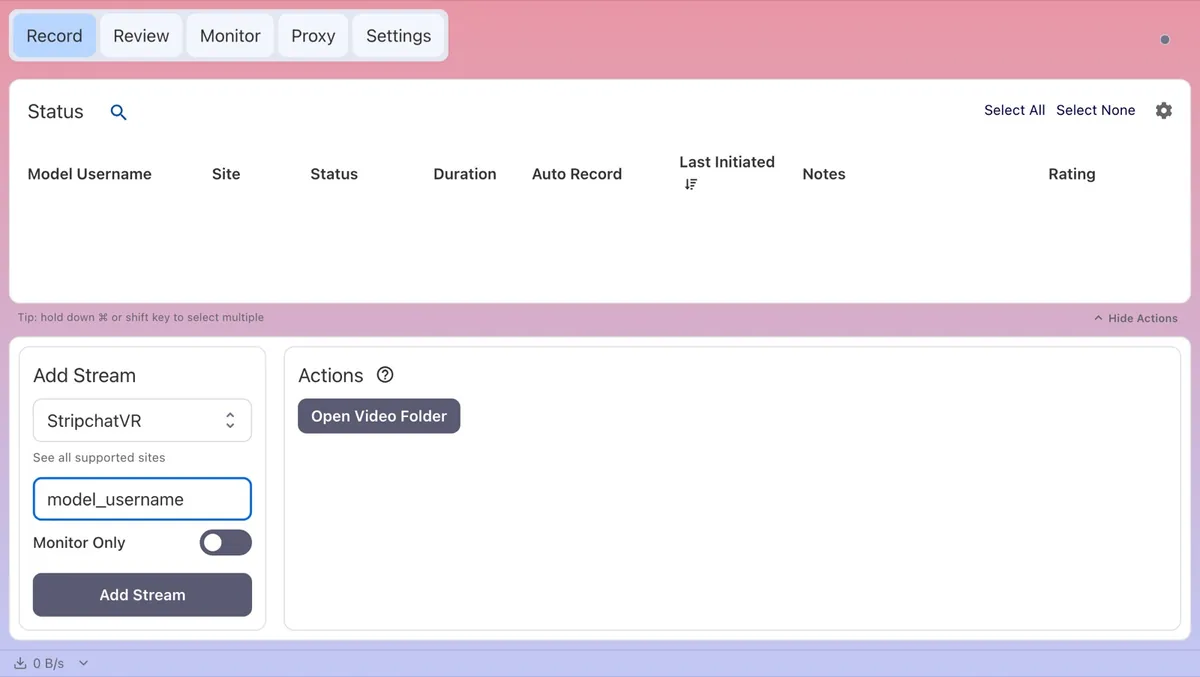
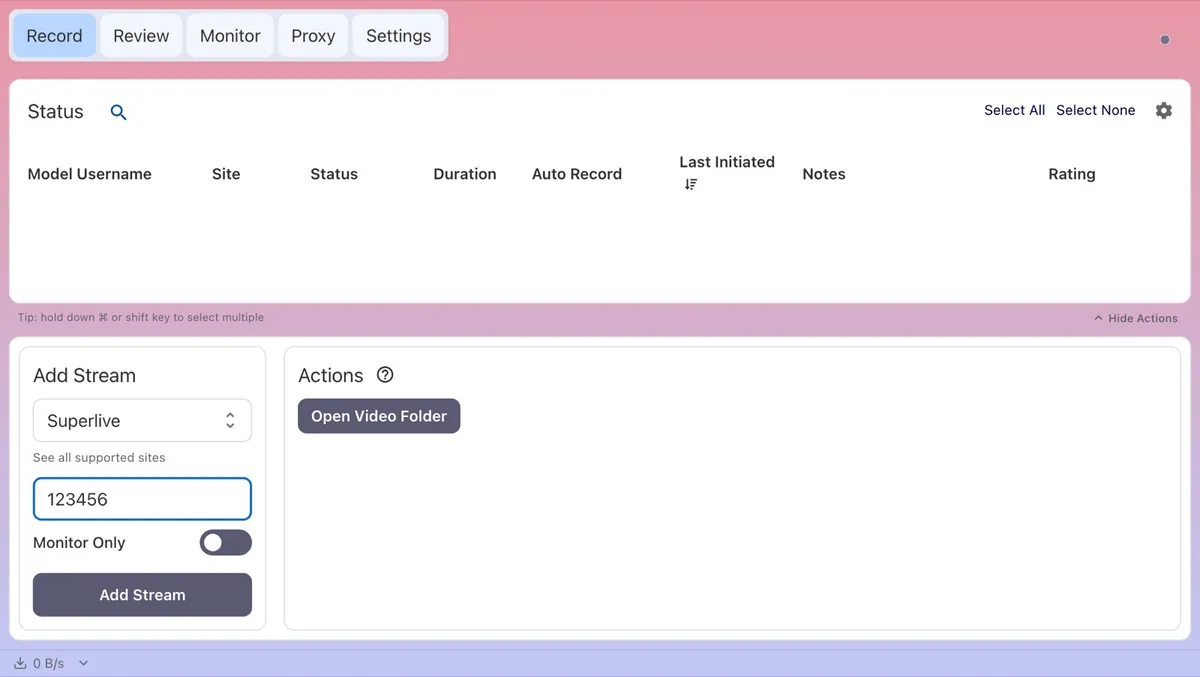
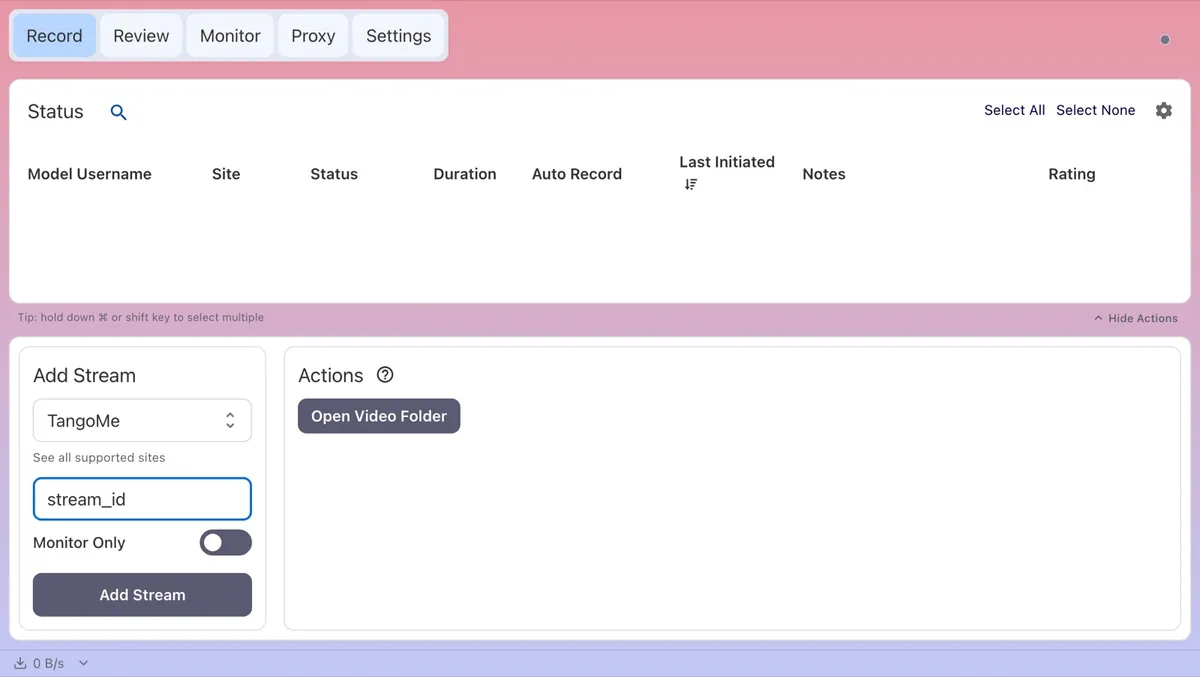
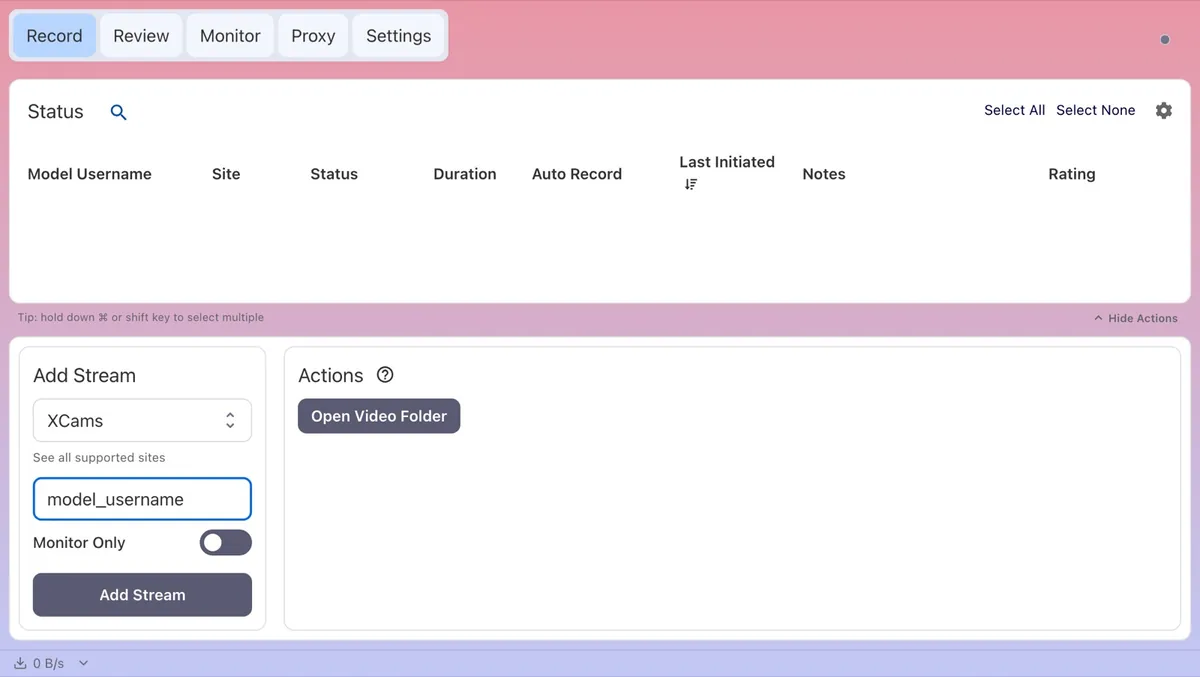
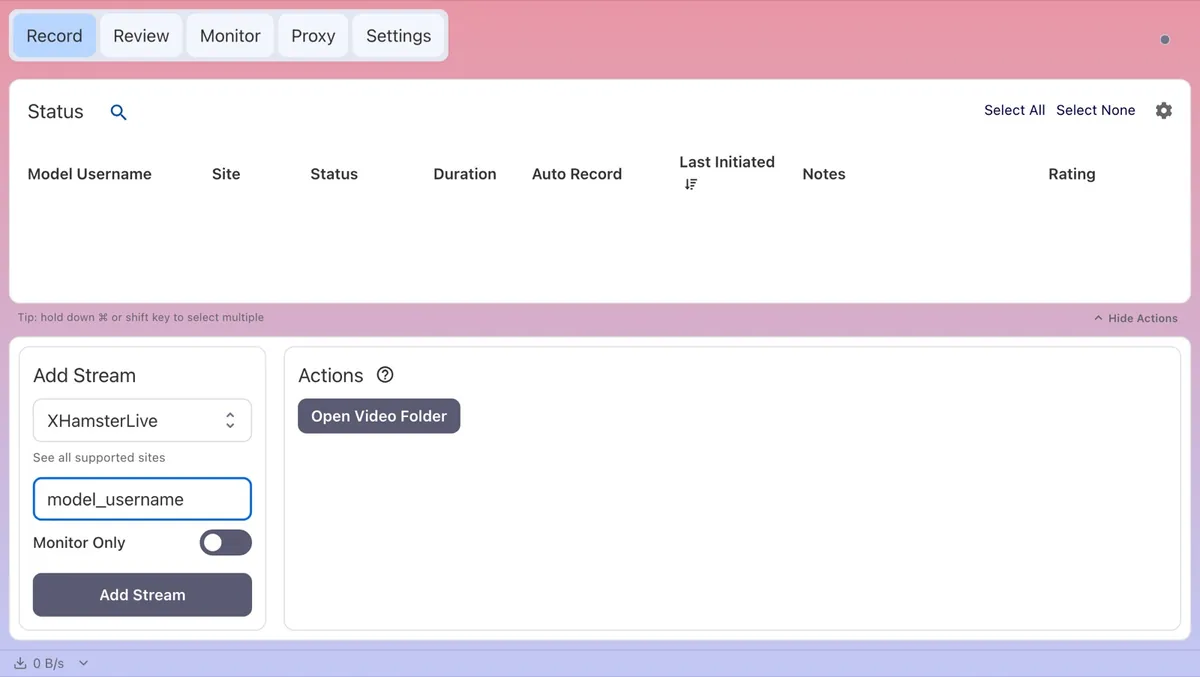
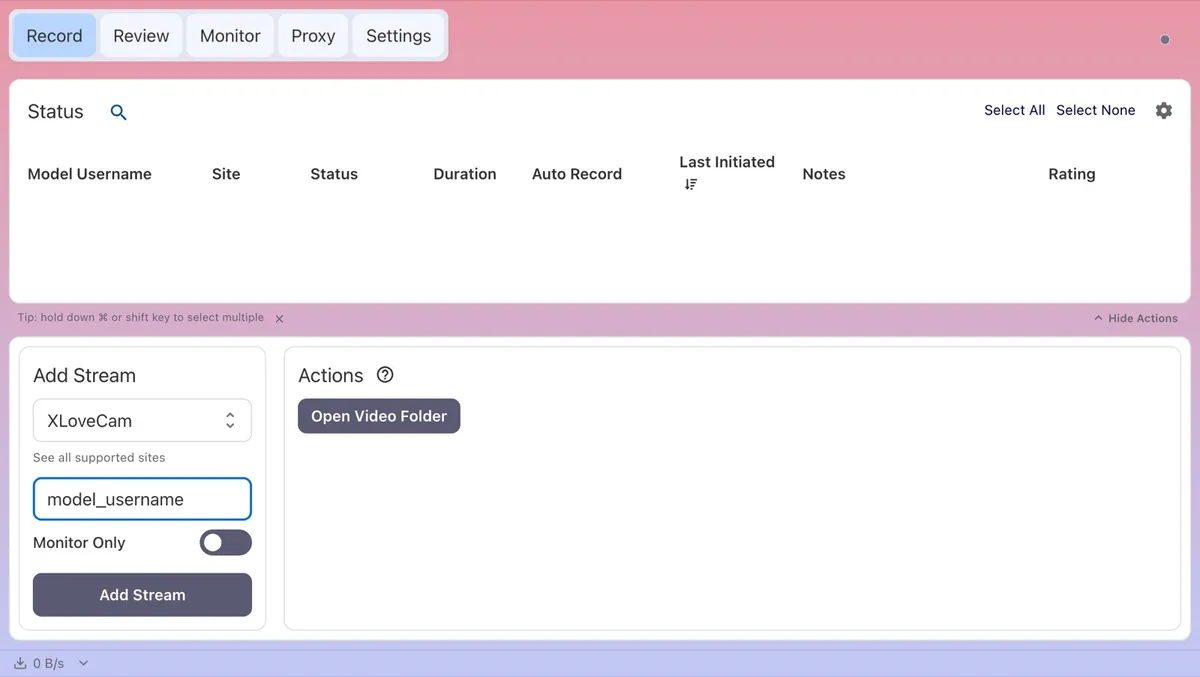
Each section assumes the shared workflow above and only covers what is different. The screenshots show the Add Stream panel with each site selected and a placeholder where the real username or ID goes.
AmateurTV
Copy the room address, for example https://www.amateur.tv/model_username, and paste it; CaptureGem selects AmateurTV itself. If you would rather type, the username is whatever follows the final slash.
- Keep CaptureGem open. Room checks go through the app’s built-in browser to get past AmateurTV’s bot protection.
- Private means a private chat. A typo in the username also shows as Offline, so a live model who never starts recording is usually a spelling problem.
- “Request blocked by Cloudflare” means the bot protection stopped the check. Confirm the room loads in your browser, leave CaptureGem open and try again later.
- “Selected variant has no audio group specified” means the quality CaptureGem picked comes without matching audio. Setting a different Max Resolution Per Site limit for AmateurTV steers it to another quality.
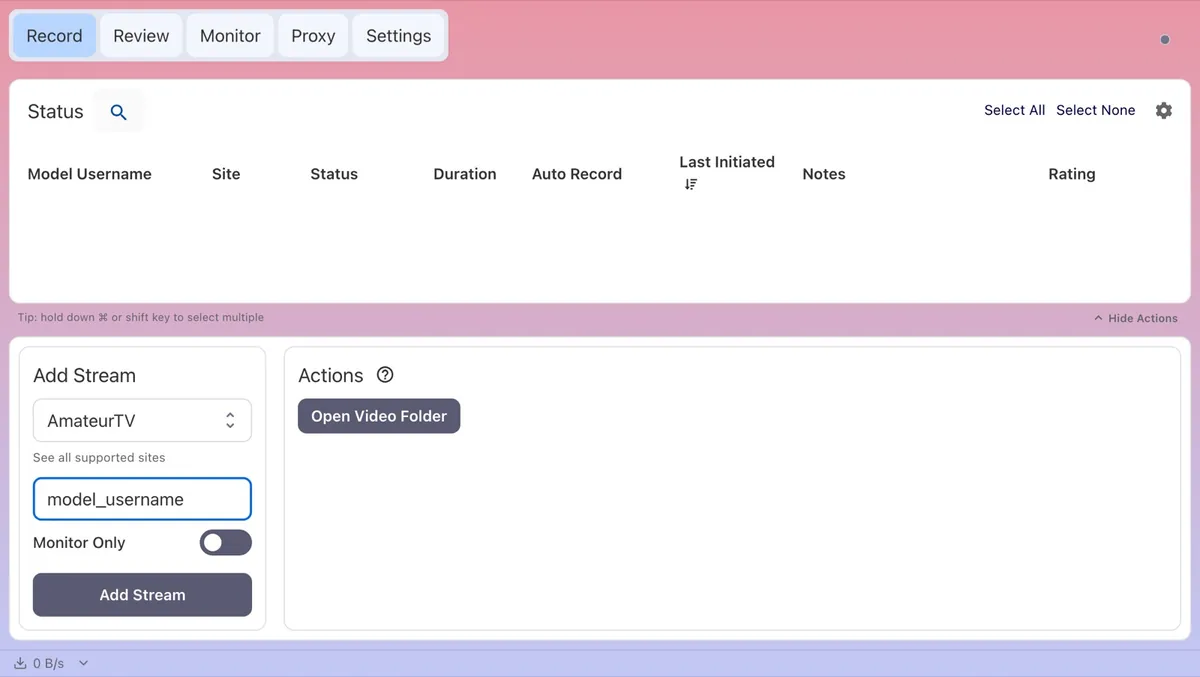
Full AmateurTV guide on capturegem.com
Bigo TV
Bigo TV identifies broadcasters by their BIGO ID, which is the last part of the room address: https://www.bigo.tv/bigo_id. Paste the address or type the ID, then make sure Bigo TV is selected rather than Other Site.
- The nickname on screen can differ from the BIGO ID. Use the ID from the address.
- Only public live rooms can be recorded. Offline and password-protected rooms can’t.
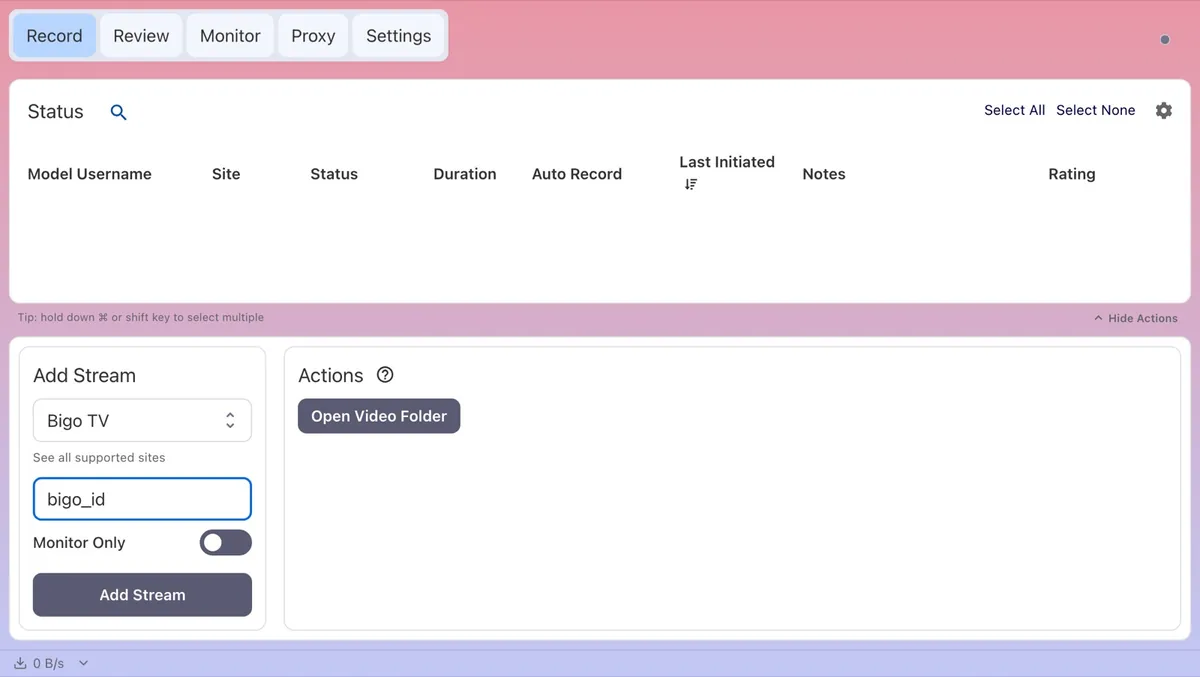
Full Bigo TV guide on capturegem.com
BongaCams
Paste https://bongacams.com/model_username and CaptureGem selects BongaCams. The username is the part after the domain.
- BongaCams also runs under other domain names, but CaptureGem only recognizes bongacams.com links. From any other domain, select BongaCams manually and enter the username. Paste a mirror link as-is and it lands under Other Site, which skips the BongaCams integration entirely; delete that entry and add the model again.
- Private covers private, group, ticket and other non-public shows. Offline means offline or away.
- By default you get the highest quality the model sends. A lower Max Resolution Per Site limit saves bandwidth and disk space; when the model doesn’t offer that quality, CaptureGem falls back to the default (highest) one.
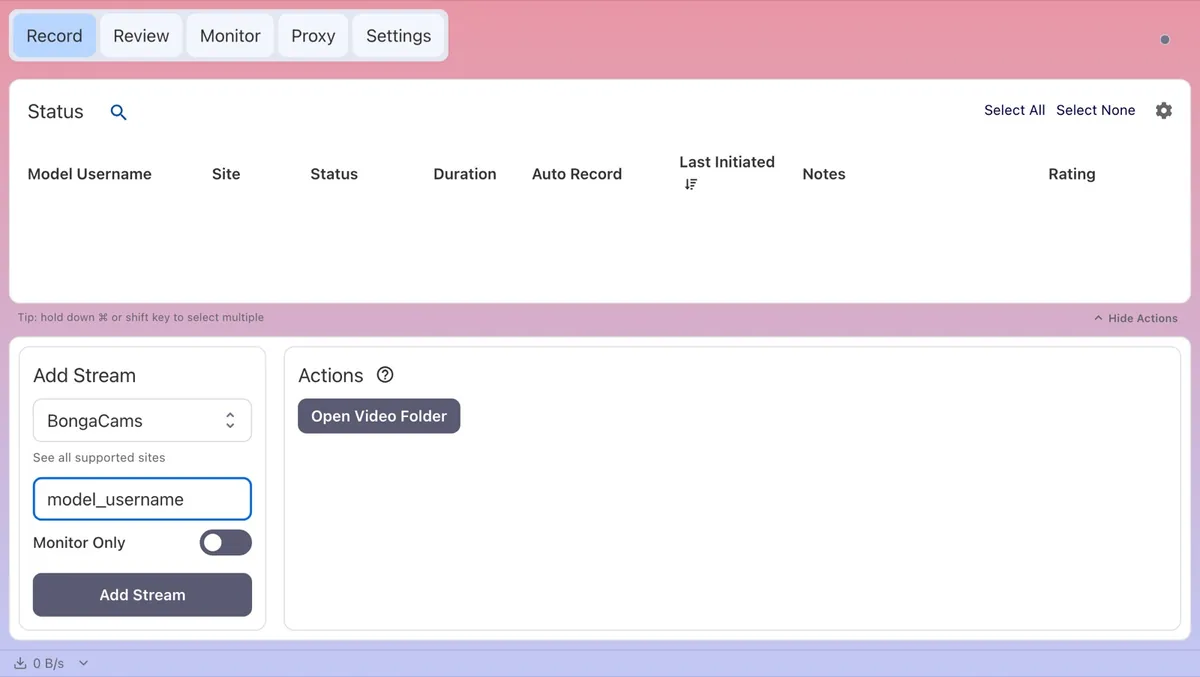
Full BongaCams guide on capturegem.com
Cam4
Paste https://www.cam4.com/model_username; the username comes straight after the domain.
- Cam4 shares only whether a room is live, so you won’t see Private here. Expect Recording, Offline or Errored.
- Some rooms open at a low resolution and switch up after a few seconds. CaptureGem re-encodes only that low-resolution stretch, so these recordings still convert quickly.
- Very short recordings that never produced a playable picture are listed under Unfinished recordings as No playable video rather than retried automatically. Typically the stream stopped or stalled just after it began; you can retry or delete it from there.
- A lower Max Resolution Per Site limit for Cam4 saves bandwidth and disk space.
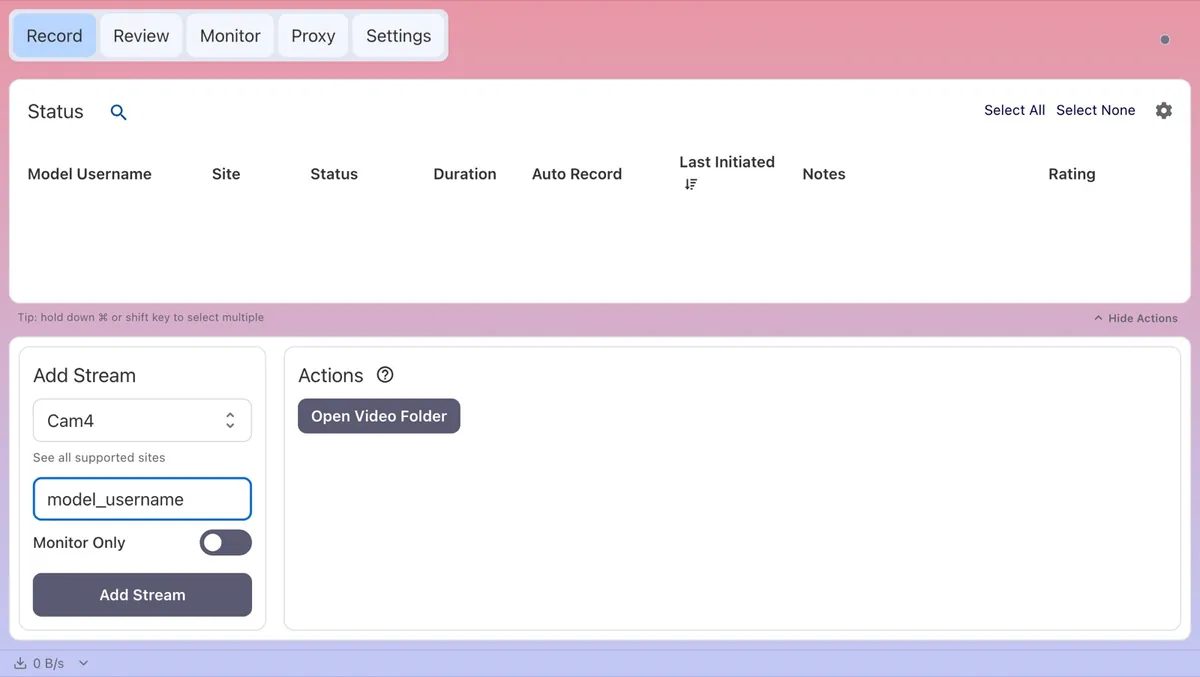
Full Cam4 guide on capturegem.com
CameraPrive
Room addresses look like https://cameraprive.com/br/model_username. Paste the address or type the username from it, not the display name, and keep CameraPrive selected.
- Only public room streams are recorded. An offline room or a private show has to return to a public stream first.
Full CameraPrive guide on capturegem.com
Cams.com
Paste https://cams.com/model_username; the username comes after the domain.
- Cams.com shares only online or offline status with CaptureGem, so there is no Private status. Errored means the room couldn’t be checked or recorded, and a misspelled username is the first thing to rule out.
- A show that ends or turns private cuts the stream, which ends the recording. With auto-record on, CaptureGem starts again when the public show resumes.
- A lower Max Resolution Per Site limit for Cams.com saves bandwidth and disk space.
Full Cams.com guide on capturegem.com
CamSoda
Paste https://www.camsoda.com/model_username. CamSoda changes its site often, so this is one to keep updated.
- Keep CaptureGem open: CamSoda rooms are checked through the app’s built-in browser.
- CamSoda doesn’t report private shows, so a model in one shows as Offline.
- CamSoda Recording Method in Settings > Advanced Settings defaults to CaptureGem Custom (Recommended), which pulls the stream over CaptureGem’s own network connection and is the better choice when FFmpeg’s connections are being blocked or rate limited. FFmpeg is the other option. Recordings that keep stopping are a reason to switch methods.
- If you see “Request blocked by Cloudflare”, CamSoda’s bot protection stopped the check: confirm the room loads in your browser and try again later. “Failed to extract stream JSON” usually means CamSoda changed its site, and the fix arrives in a CaptureGem update.
Full CamSoda guide on capturegem.com
Chaturbate
Paste the room address, for example https://chaturbate.com/model_username/. Most regions don’t require a Chaturbate account, and the username works in any capitalization.
- Rate Limited is normal and fixes itself. Chaturbate asked CaptureGem to slow down, so the app pauses and retries, and recording resumes within a few minutes. CaptureGem paces its room checks, and Custom Headers don’t help with this. Just don’t drop Offline Retry Wait Time to a very low value in Settings.
- Offline also covers away and hidden shows.
- If Chaturbate requires sign-in or age verification where you live, rooms show Errored. Sign in and finish verification in your browser, then pass that browser session to CaptureGem using Chaturbate Custom Headers.
- “Chaturbate has no room named …” points to a typo in the username or a room that has been removed.
- VPN and server addresses occasionally get challenged by Chaturbate. The challenge appears as Errored while CaptureGem keeps retrying; if a particular VPN location fails again and again, switch locations or disconnect the VPN.
- Adding the same room twice with different capitalization gives you a duplicate that never records; delete the extra entry.
Full Chaturbate guide on capturegem.com
Dreamcam
Dreamcam is a VR site, and CaptureGem records its VR stream only. Paste https://dreamcam.com/models/model_username.
- “video3D URL not found” (Errored) means the model is online but not sending a VR stream, or the username is wrong.
- There is only one high-resolution VR stream to take, so Max Resolution Per Site changes nothing, and Monitor Only downloads the full stream too, using as much bandwidth as a recording.
- Thumbnails in Review and Monitor show only the left eye.
- After a dropped connection, CaptureGem reconnects immediately and carries on in a fresh part, then stitches the parts into a single video when it converts the recording. If recordings keep ending early, check your connection speed, or give Network Timeout (Seconds) under Settings > Advanced Settings a higher value.
- If a recording won’t convert, update CaptureGem to the latest version; it repairs many damaged VR files when it converts them. A broadcast that never delivered a complete picture can’t be rescued.
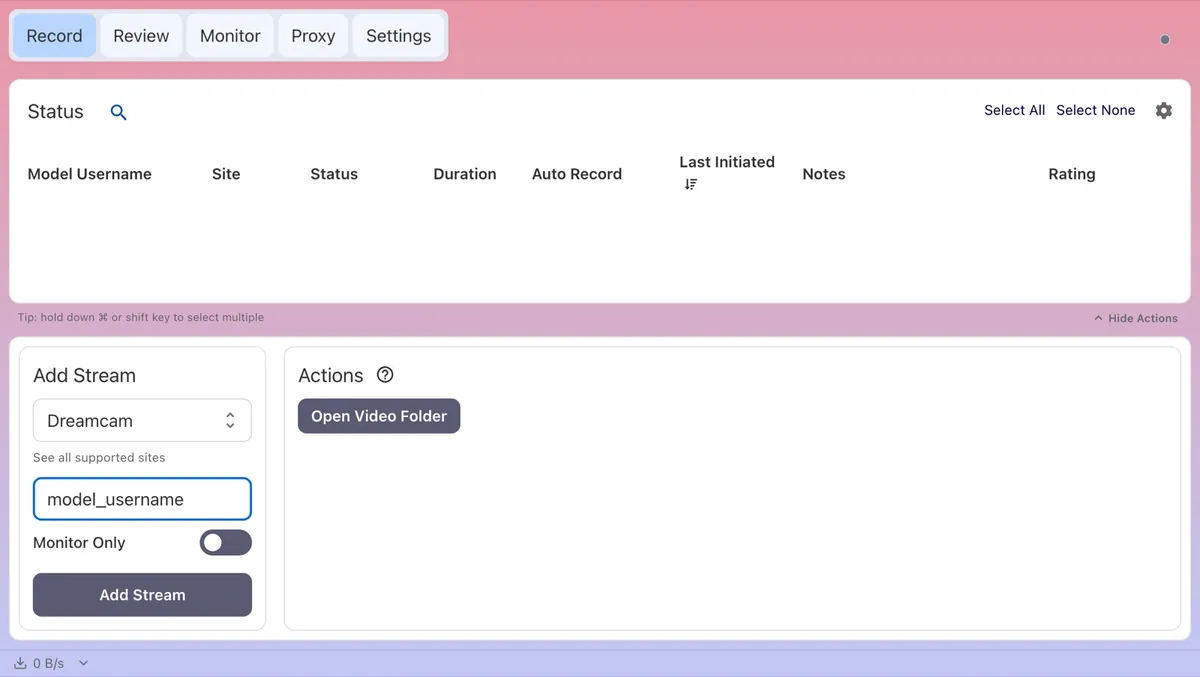
Full Dreamcam guide on capturegem.com
Flirt4Free
Flirt4Free puts the model’s name after ?model= in the room address: https://www.flirt4free.com/?model=model-name. Paste a link that contains ?model= and CaptureGem takes the name from it. Or select Flirt4Free and type the name exactly as it appears there, lowercase with hyphens: model-name works, Model Name doesn’t.
- Other Flirt4Free links don’t contain the name. Paste one and you end up with an entry named unknown-model; delete it and enter the name by hand.
- CaptureGem looks Flirt4Free models up in the site’s list of who is live right now, which means “username not found or offline” (Errored) is either an offline model or a misspelled name. Offline means the room isn’t open to the public. There is no Private status, and only public shows are recorded.
- Getting to the video involves more steps than on most sites: a lookup, the room’s chat, then the stream itself, all inside the Network Timeout (Seconds) window in Settings > Advanced Settings. Give it more time on a slow connection.
- CaptureGem gets past Flirt4Free’s “Checking your browser” page automatically. A lower Max Resolution Per Site limit for Flirt4Free saves bandwidth and disk space.
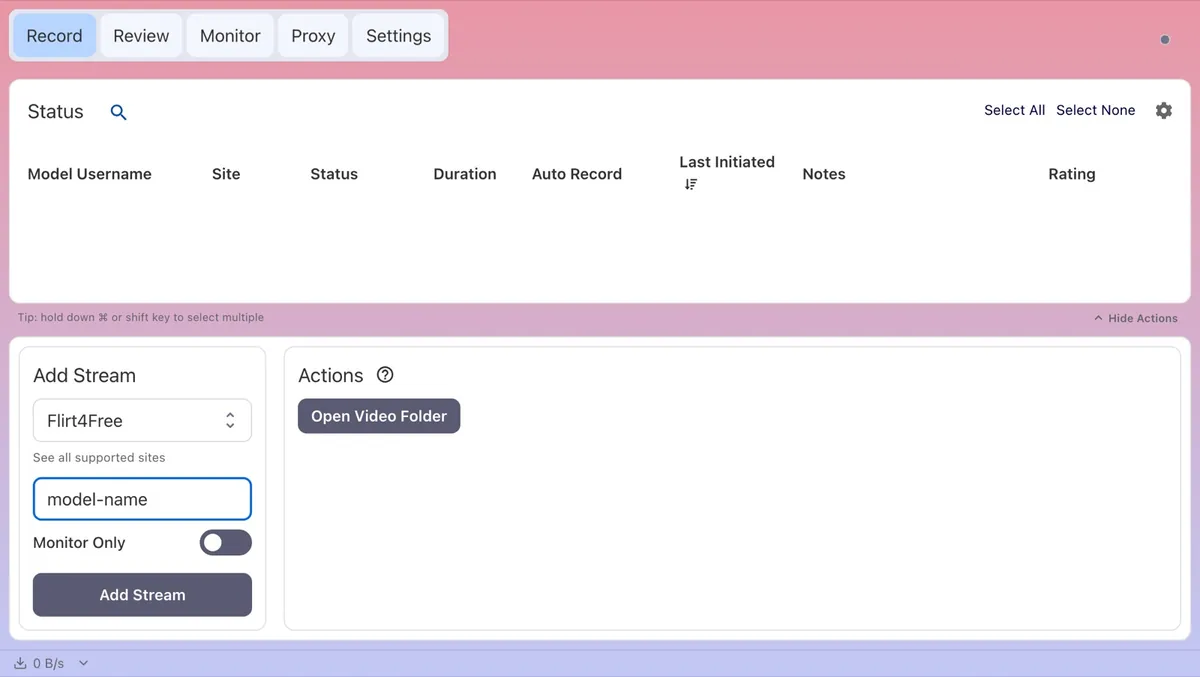
Full Flirt4Free guide on capturegem.com
Jerkmate
Paste https://jerkmate.com/cam/model_username.
- Private covers private, exclusive and gold shows, plus breaks. With auto-record on, CaptureGem keeps checking and records again once the show is public.
- A misspelled username shows as Offline.
- If a show turns private or ends mid-recording, CaptureGem rechecks the room and closes the recording as Private or Offline; what was already recorded is still converted and saved.
- With a Max Resolution Per Site limit set, CaptureGem records the lowest available quality if nothing is at or below the limit.
- Jerkmate isn’t available in every country. A room that won’t load in your browser probably can’t be recorded from your location either.
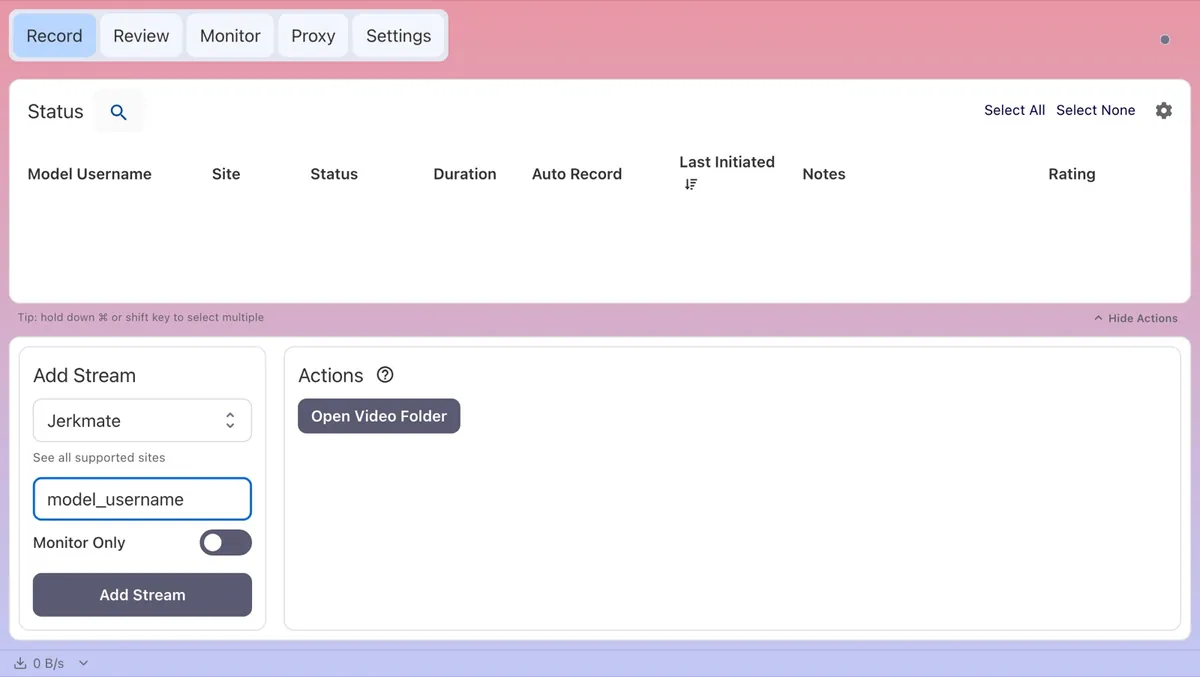
Full Jerkmate guide on capturegem.com
LiveJasmin
Room addresses look like https://www.livejasmin.com/en/chat/model_username. Paste the address or type the username, and choose LiveJasmin. You can record as a guest, but LiveJasmin stops guest viewing after about 90 seconds, so sign in to LiveJasmin inside CaptureGem for anything longer.
- Keep CaptureGem open. It records LiveJasmin in a hidden, muted browser window inside the desktop app, so the standalone recorder can’t record LiveJasmin on its own.
- Expect a slower start. The status shows Activating while CaptureGem waits up to 45 seconds for video, then changes to Recording. “LiveJasmin did not start streaming within 45 seconds” (Errored) means no public video arrived in time; Private and Offline mean what they say.
- The first time a recording starts while you’re signed out, CaptureGem shows Sign in for longer LiveJasmin recordings. Click Sign in to LiveJasmin, sign in in the window that opens, close it, and restart your LiveJasmin recordings. To sign in later or switch accounts, right-click any LiveJasmin model on the Record tab and choose Manage LiveJasmin login.
- Signing in with your regular browser doesn’t sign CaptureGem in. Continue as guest keeps the 90-second limit, and restarting a recording doesn’t reset it.
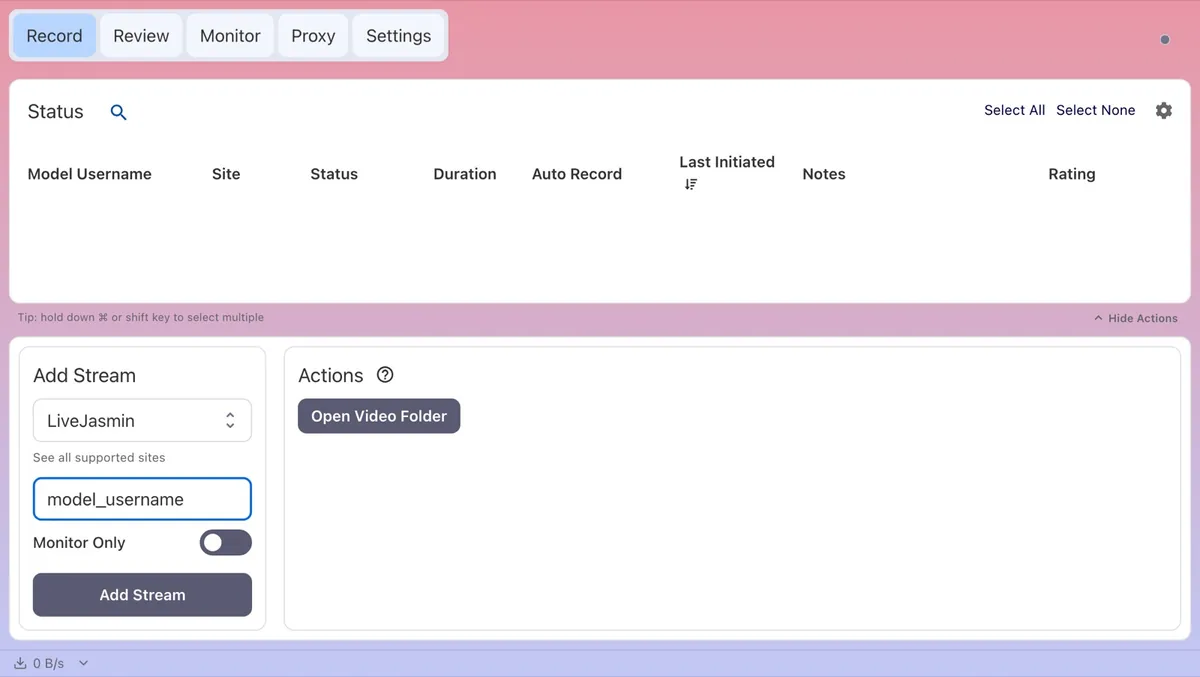
Full LiveJasmin guide on capturegem.com
ManyVids
Paste the room address, https://www.manyvids.com/live/cam/creator_handle, or a profile link such as https://www.manyvids.com/Profile/1234567/creator_handle/live. To type it instead, select ManyVids and enter the handle that follows /live/cam/, which can differ from the creator’s display name.
- Keep CaptureGem open. The standalone recorder can’t record ManyVids without the desktop app running. If ManyVids is missing from Select Website, update CaptureGem to the latest version.
- Only public shows are recorded. A show that turns private ends the recording, and the footage up to that point is kept.
- Some creators restrict viewers by region, so if ManyVids won’t play the show for you, CaptureGem can’t capture it.
Full ManyVids guide on capturegem.com
MyFreeCams
Select MyFreeCams and enter the username with the exact spelling the site uses. Links in the https://www.myfreecams.com/#model_username format work as well, since the name sits after the #.
- CaptureGem doesn’t understand share.myfreecams.com profile links yet. If pasting one added the wrong name, delete that entry and type the username instead.
- Private covers private, group and club shows. “MyFreeCams lookup did not return a valid model” (Errored) usually means a misspelling.
- A show that turns private mid-recording ends that recording; auto-record starts a fresh one when the public show comes back.
Full MyFreeCams guide on capturegem.com
Sexchat.hu
CaptureGem records Sexchat.hu’s free (public) shows as a guest, so no account is needed. Chat page addresses follow the pattern https://sexchat.hu/mypage/12345/ModelName/chat, where the digits are the room number and ModelName stands for the screen name. Paste a link that ends in /chat, or select Sexchat.hu and enter either the screen name or the room number.
- Screen names are matched exactly, capitalization included.
- Switch to the room number for screen names with spaces, emoji, accented letters or punctuation. CaptureGem strips everything except letters, numbers, hyphens and underscores from a name, so such names never match.
- Private covers VIP, group and private shows. Free shows are scarce: typically only a handful of models are in one at any moment. “not found in performers list” (Errored) means the name didn’t match; check the capitalization or switch to the room number.
- Open In Browser takes you to the Sexchat.hu home page, not to the model.
- A lower Max Resolution Per Site limit for Sexchat.hu saves bandwidth and disk space.
Full Sexchat.hu guide on capturegem.com
SexLikeReal
SexLikeReal’s cam shows are VR, and CaptureGem records the VR stream only. Find the model through SexLikeReal’s VR cams listing and copy their page address, for example https://www.sexlikereal.com/vr-cam-girls/model_label. CaptureGem identifies the show by the label at the end, in any capitalization.
- A misspelled label shows as Offline. “video3D URL not found” (Errored) means the model is online but not sending a VR stream.
- Open In Browser takes you to the SexLikeReal home page, not to the model.
- As on Dreamcam, the show arrives as one high-resolution VR stream: Max Resolution Per Site has no effect, Monitor Only uses full bandwidth, thumbnails show the left eye, and dropped connections continue in new parts that are joined at conversion.
Full SexLikeReal guide on capturegem.com
Streamate
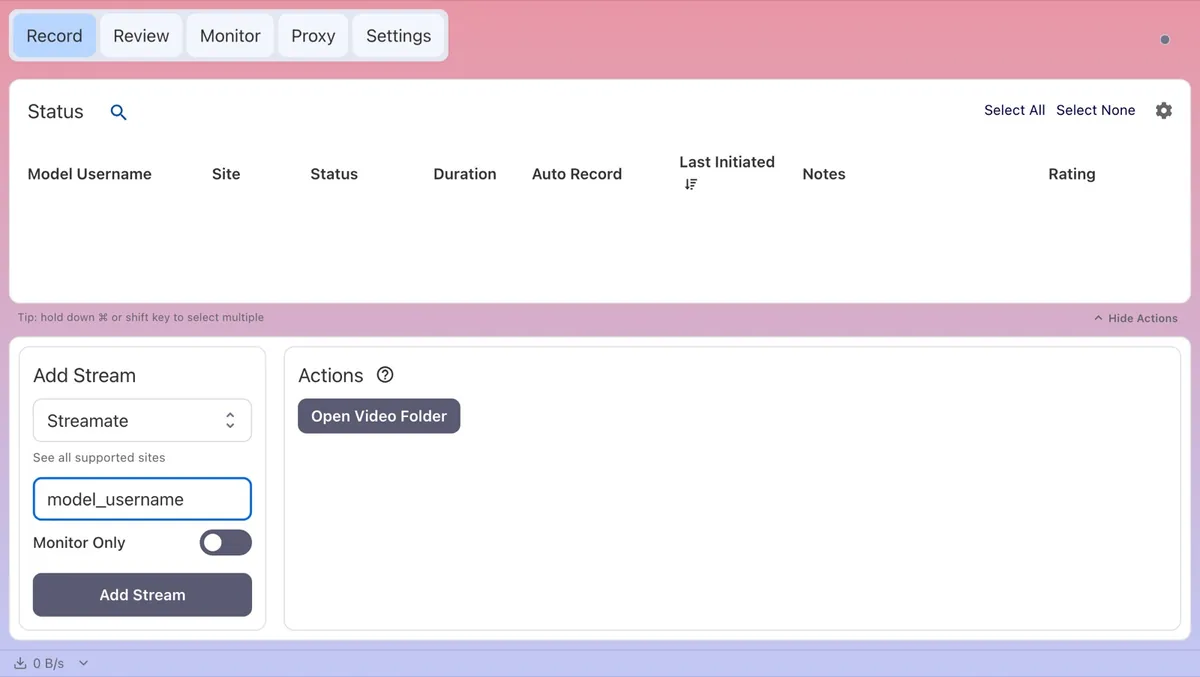
Paste https://streamate.com/cam/model_username.
- Private covers private, exclusive and gold shows, plus breaks. A misspelled username shows as Offline.
- When a show turns private or ends mid-recording, CaptureGem rechecks the room, closes the recording as Private or Offline, and still converts the footage it already has.
- You get the best quality Streamate makes available for the show.
Full Streamate guide on capturegem.com
Stripchat
Paste https://stripchat.com/model_username. Links on these addresses are recognized too: strip.chat, stripchat.global, stripchat.ooo, stripchat.cam and stripchat.org, plus language subdomains like de.stripchat.global.
- Keep partner suffixes such as
@xhin the username; CaptureGem needs them to find the model. Renamed models are still found under their old name. - For a VR show, select StripchatVR before you paste the link; a link pasted under any other site selects regular Stripchat. See StripchatVR.
- Private covers private, group, ticket and other non-public shows. Offline includes idle models and unavailable cameras. Duplicate username means you have already added this model under a different name, such as their current one.
- If Stripchat is blocked on your network, try the other Stripchat API Domain (strip.chat by default, or stripchat.com) in Settings > Advanced Settings. Turning off Use cURL for Stripchat Requests switches to the built-in browser, which can work better in some countries. CaptureGem notices a blocked video server and moves to a backup by itself, and when Stripchat rejects one quality it carries on with the next best.
- “Stream not available, offline, or blocked due to geographical restrictions” can mean the model has blocked viewers from your country. If it won’t play in your browser either, it can’t be recorded from your location.
Full Stripchat guide on capturegem.com
StripchatVR
Select StripchatVR in Select Website first, then type the username or paste the VR room link, such as https://vr.stripchat.com/cam/model_username. The VR username is the same as the model’s regular Stripchat username. Stripchat and StripchatVR share addresses, so a link pasted while another site is selected lands on regular Stripchat and records the flat stream; check the selection before you click Add Stream.
- The built-in site records public VR shows on Free and Premium and keeps the original VR stream, which makes it the best-quality option for public shows.
- A recording that came out flat was added as Stripchat. Add the model again with StripchatVR selected.
- A VR private show you start from your headset can be recorded with Premium’s Proxy feature in Chrome, signed in to the same Stripchat account. It captures what Chrome plays, which can be lower quality, so the full guide recommends it for private shows only.
- If Stripchat is blocked on your network, the Stripchat settings above apply.
Full StripchatVR guide on capturegem.com
Superlive
Superlive uses numeric profile IDs. Paste a profile address such as https://superlive.chat/profile/123456, or type the number, and choose Superlive. Livestream links such as https://superlive.chat/livestream/123456 also work; CaptureGem resolves them to the broadcaster’s profile ID.
- Keep CaptureGem open. It records Superlive in a hidden, muted browser window inside the desktop app, so the standalone recorder can’t record Superlive on its own.
- A display nickname isn’t a profile ID.
- When a livestream link won’t resolve, go to the broadcaster’s profile and paste that address.
Full Superlive guide on capturegem.com
TangoMe
TangoMe works from stream links: https://www.tango.me/stream/stream_id. Paste the full /stream/ address or the ID at its end, and choose TangoMe.
- Display names and profile nicknames aren’t stream IDs.
- CaptureGem checks only the stream ID you added and can’t find a broadcaster’s other streams. Premium auto-record keeps checking that one ID, so if the broadcaster’s next show has a new stream link, add that link as well.
- If an old stream link stays Offline while the broadcaster is live, open their current live stream and add its address. CaptureGem handles the visitor session for public playback automatically.
Full TangoMe guide on capturegem.com
XCams
XCams records through the browser built into the desktop app. Paste a room address such as https://www.xcams.com/chat/model_username/, or select XCams and type the username. XCams and XLoveCam are separate entries, so match the one in your link.
- CaptureGem opens the room in a separate XCams browser window that it controls. When the site asks for age confirmation, acceptance of its terms or a sign-in, deal with it in that window, then retry from CaptureGem. Signing in through your everyday browser doesn’t sign in the CaptureGem session.
- If XCams says your free viewing time has ended, follow its sign-in instructions before retrying. CaptureGem respects XCams viewing limits.
- Only public rooms are recorded. Recording stops if the room turns private or paid, is blurred, or is restricted in any other way.
- Keep CaptureGem open while recording; the capture window runs in the background.
Full XCams guide on capturegem.com
XHamsterLive
Paste a public broadcaster page from xhamsterlive.com or an xham.live link, and CaptureGem treats it as the built-in XHamsterLive site. You can also select XHamsterLive and type the username.
- Keep any partner suffix the page uses in the username.
- Offline, or in a private show? Come back when the public stream returns.
Full XHamsterLive guide on capturegem.com
XLoveCam
Room addresses look like https://www.xlovecam.com/en/chat/model_username/. Paste the address or type the username, and confirm XLoveCam is selected.
- If XLoveCam is missing from Select Website, or recordings repeat footage or run past your maximum length, update CaptureGem to the latest version.
- Offline and private rooms can’t be recorded until a public stream starts.
Full XLoveCam guide on capturegem.com
When a recording keeps failing
Work through the same short list whatever the site:
- Update CaptureGem. Fixes for site changes arrive in new releases.
- Check that the show plays in your own browser.
- Hover over the status to read the full reason.
- Compare what you entered with the table above: the right identifier, the right site, and any suffix or capitalization the site needs.
- Read the full guide for your site on capturegem.com. If you have Premium, you can also hand a failed recording to CaptureGem support.
The bottom line
Twenty-four sites might sound like twenty-four workflows, but it is really one workflow with a few exceptions. Paste the address, check the selected site, leave Monitor Only off, and learn the handful of rules for the sites you actually use: case-sensitive screen names (or room numbers) on Sexchat.hu, exact names on Flirt4Free and MyFreeCams, an explicit StripchatVR selection, and the desktop app left open for CamSoda, AmateurTV, LiveJasmin, ManyVids, Superlive and XCams.
If you are planning to follow models across several of these sites at once, our guide to recording multiple streams covers bandwidth and storage. When you are ready to start, download CaptureGem.